Emissions Insights and Reporting
Emissions figures you can explain, check and sign off.
Connect the estimates from an existing Predictive Emissions Monitoring System with the operating context that explains them. Environmental and engineering teams can investigate changes, prepare traceable reports and compare future operating regimes using the same plant records.
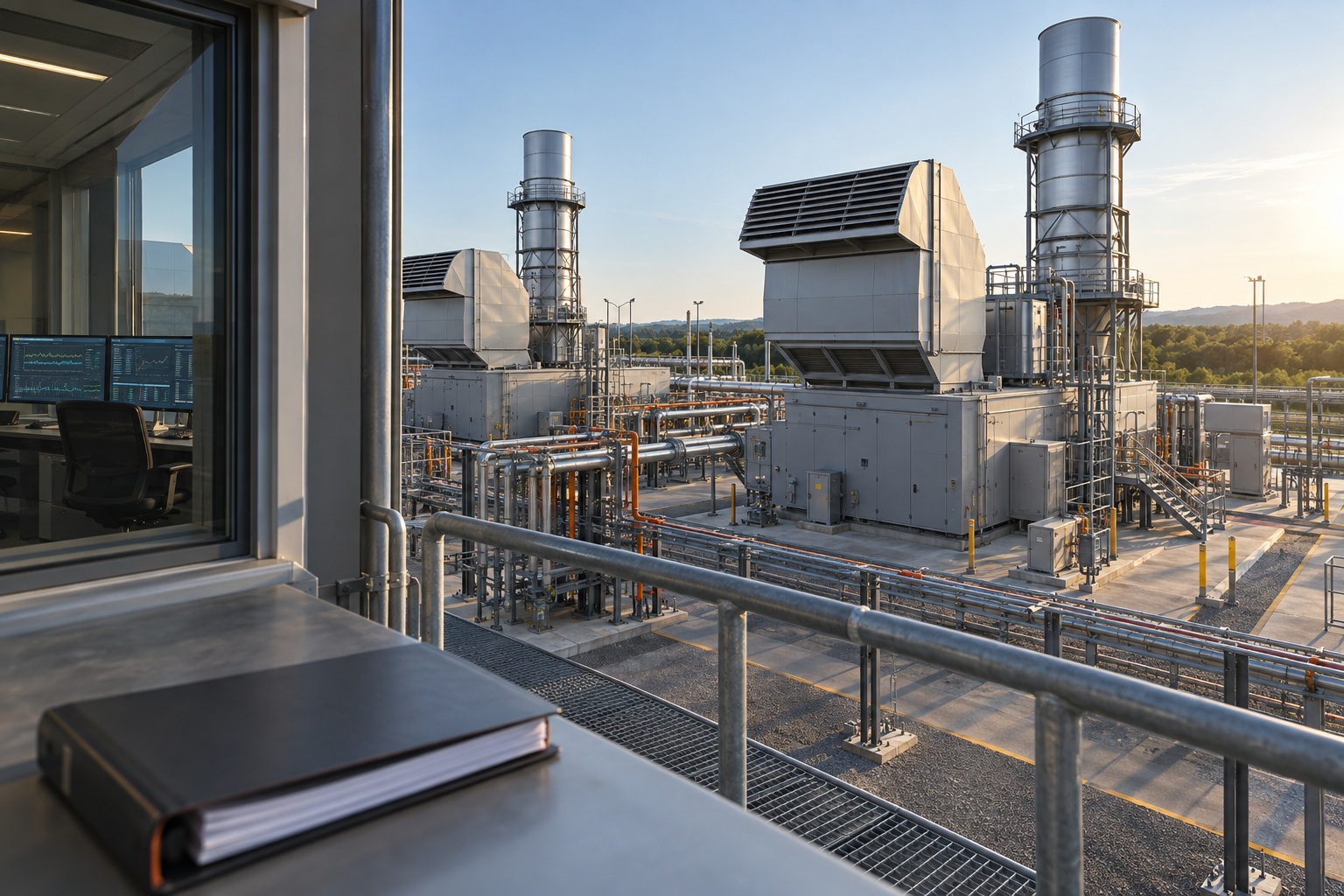
Environmental advisers, equipment owners and asset managers.
Why the work matters.
Load, fuel, weather, maintenance and equipment condition can all affect emissions. When those records sit in separate systems, explaining a change and preparing a report depend on manual analysis and the few people who know where to look.
The approach.
Propel’s approach adds integration, visualisation, reporting and planning around the existing PEMS. Its supplier’s model stays unchanged. Engineering knowledge connects each estimate to plant operation, while fixed reporting rules and recorded approval make the figures reviewable.
Follow the operational thread.
Connect the information, apply the relevant checks and make the next decision visible.
Bring the plant records together
Align PEMS estimates and validity flags with historian, fuel, load, ambient, maintenance and equipment records. Preserve units, reference conditions and the applicable permit or monitoring-plan version.
See emissions in their operating context
View each unit’s status and emissions alongside identical sister units in the same environment. A unit drifting from its peers becomes an investigation with a named owner and its operating history attached.
Prepare a report that can be checked
Fixed, versioned methods populate agreed tables and approved wording. Gaps, approved substitute values, source records and review decisions remain visible. A person approves the final report.
Compare future operating choices
Use past patterns, planned load, maintenance and weather assumptions to compare turbine selection, load sharing and maintenance timing. Show forecast ranges and applicability limits, keeping forecasts outside reported figures.
Different roles.
The same evidence.
Dashboards, timelines and work queues make the relevant information available before someone has to ask a question.
Environmental adviser
Check totals, averages, peaks and data completeness, then inspect the source and method behind a figure before signing off.
Equipment owner
Compare emissions with load, fuel, sister units and maintenance; follow flagged periods through the existing case-management system.
Asset manager
Compare operating scenarios, uncertainty and expected performance against the relevant permit limits or targets.
What the user can inspect
- PEMS estimates, validity flags and time-aligned plant records
- Fixed calculation methods, units, reference conditions and version history
- Named review and approval, with planning forecasts kept separate
What this is designed
to improve.
- Less manual report preparation and repeated reconciliation
- A traceable route from each reported figure to its data and method
- Earlier investigation of emissions changes in their operating context
- Sister-unit comparisons that can highlight emerging equipment degradation
- Better-informed maintenance, turbine selection and load-sharing decisions
Reconcile one historical reporting period with the environmental team. Assess preparation time, traceability, unresolved data gaps and investigation follow-through.
A solution use case around an existing third-party PEMS. Estimates, species and conversion factors retain their identity; reporting follows the installation’s approved methods and monitoring plan.
Read the full engineering detail.
The updated PDF includes the approach, technical detail, business value and next steps.
Recognise the problem?
Start with one asset and one reporting period. Confirm the permitted use of the PEMS outputs and the applicable methods, then rework a historical period with the environmental team before extending to more assets and forecasting.